Passing the HTB CPTS Exam
My experience passing the HTB Certified Penetration Testing Specialist (CPTS) on the first attempt with all 14 flags. A full breakdown of the multi-subnet enterprise network, AD attack approach, time management strategy, and report writing. Includes a difficulty comparison with OSCP and CJCA.
TL;DR
- Result: CPTS passed on first attempt (exam: 2026-05 → result: 2026-05)
- Exam duration: 10 days
- Score: 14 / 14 flags (passing threshold: 12 / 14 = 85%)
- Key takeaways:
- Credential spray immediately on every new credential — no deferring
- BloodHound right after foothold is the correct call
- Switch attack vectors early when stuck on the same approach
- Finishing all flags with days left for report work made a real difference in quality
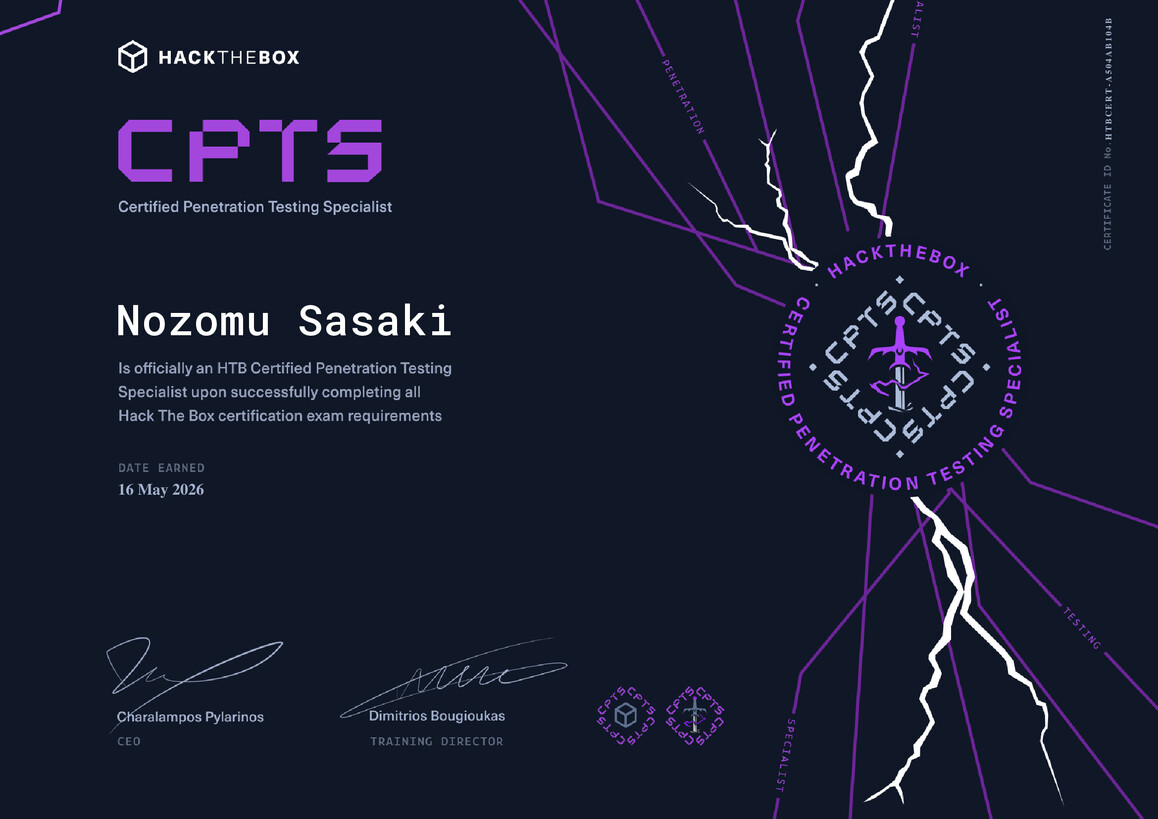
Exam Results Summary
| Start date | 2026-05-09 |
| Result | PASSED |
What Is CPTS?
HTB Certified Penetration Testing Specialist (CPTS) is an enterprise-focused hands-on certification offered by HackTheBox Academy.
| Exam duration | 10 days |
| Environment | Simulated corporate network with multiple subnets |
| Scope | Linux / Windows / Active Directory mixed |
| Flags | 14 flags |
| Passing threshold | 12 / 14 or above (85%) |
| Report | English pentest report (submitted within the exam window) |
While OSCP is a 24-hour sprint, CPTS is a 10-day engagement where you progressively compromise a multi-network environment that resembles a real corporate network. The exam tests your ability to build an end-to-end attack chain across the full network, not just individual machines.
Background and Prior Knowledge
- Certifications held: OSCP, CJCA, RISS, AWS SAP / SCS
- Work experience: 8 years of infrastructure operations + vulnerability assessments (from 2025-07)
- Experience at exam time: Post-OSCP, 100+ machines across Proving Grounds / HTB. Active Directory practice via the OSCP AD set and various AD-focused HTB machines
Why I Took CPTS
After passing OSCP, I wanted to take on a more realistic multi-network, AD-heavy pentest. The OSCP AD set is relatively simple — one domain, a handful of machines. Real enterprise networks are more complex. CPTS was my way to close that gap.
Exam Strategy — Pre-defined Rules
Alongside technical preparation, I set explicit rules for prioritization and time management before the exam started. These made the difference between passing and not.
Rule 1: New credential → spray immediately (drop everything else)
The moment I obtained any credential, I stopped whatever I was doing and sprayed all services (SMB / SSH / WinRM / RDP, etc.) before continuing. “I’ll batch it later” is a direct cause of slow lateral movement.
Rule 2: BloodHound within 30 minutes of foothold
As soon as I had domain user credentials, I ran BloodHound within 30 minutes and checked ACL paths, delegation, and Kerberoast targets. This eliminates the waste of chasing attack paths that don’t exist.
Rule 3: 3 consecutive failures on the same technique → force a pivot
Any technique that failed 3 times in a row got dropped immediately in favor of a different attack path. “One more tweak and it’ll work” is how hours disappear.
Rule 4: Max 2 hours on an already-compromised host
A compromised host is only worth time insofar as it provides material for lateral movement. Beyond 2 hours, redirect attention to unreached hosts.
Timeline
| Period | Progress |
|---|---|
| Day 1 | Exam start. Recon and enumeration. Foothold on external-facing services |
| Day 2–3 | Internal network entry. Progressive compromise across multiple network segments |
| Day 4–5 | Pivoting. Windows environment enumeration begins |
| Day 6 | AD compromise. Domain taken |
| Day 7 | 14 / 14 flags complete. Shifted to report writing |
| Day 8–10 | Report drafting, revision, and submission |
What Worked Well
- Deploying BloodHound early: Confirmed immediately that certain ACL paths didn’t exist, cutting off dead-end exploration early. Worth noting: BloodHound CE and legacy BloodHound can return different results — don’t trust the display blindly. The habit of re-confirming directly on the server using
PowerView.ps1turned out to be important - Disciplined credential spraying: Spraying early significantly accelerated lateral movement
- Respecting the timebox: Capping the number of attempts per technique helped break out of dead ends faster
- Logging all command output: Reconstructing Steps to Reproduce for the report was far smoother with complete logs
- Writing findings into the report immediately after each flag: All flags were done by Day 7, leaving three full days solely for the report
- Taking screenshots and captures constantly: Command output, screenshots, and timestamps logged without hesitation. Attaching evidence to each Finding in the report was straightforward as a result
What Didn’t Work
- Over-investing in already-compromised hosts: A compromised host is a source of lateral movement material, nothing more. Resisting the urge to dig deeper was one of the better time management calls
- Rushing into exploitation before finishing enumeration: The more time invested in enumeration, the faster the compromise later. “Know everything first” beats “try something first”
- Chasing a specific credential too long: When a credential is nowhere to be found, switching to a different attack path (delegation, ACL, Kerberoast, etc.) is the right call
CPTS vs OSCP / CJCA
| OSCP | CJCA | CPTS | |
|---|---|---|---|
| Exam duration | 24 hours | 120 hours (5 days) | 10 days |
| Primary scope | Standalone + AD | Multiple machines + SIEM | Multi-network + AD |
| Blue Team | None | SIEM triage | None |
| Report | Required | SysReptor (HTB official) | SysReptor (HTB official) |
| Pass difficulty axis | Technical + time management | Technical + writing + SIEM | Technical + strategic time management |
| Flags | Standalone 3 + AD 3 | 10 flags | 14 flags |
If OSCP asks “how far can you get in 24 hours,” CPTS asks “can you systematically compromise an entire enterprise network over 10 days.” The biggest difference is that CPTS demands strategic decision-making across the whole engagement, not just individual technical skill.